Red Stag Casino Login Guide

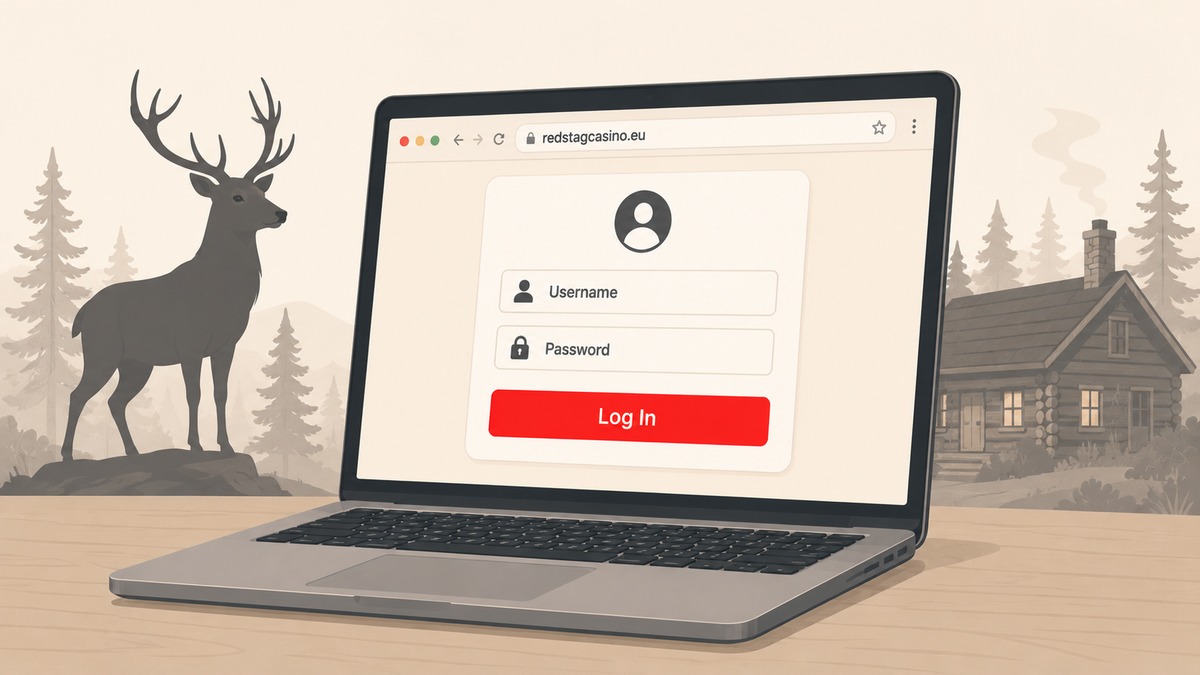
The Red Stag Casino login lives at one canonical URL — redstagcasino.eu/login — and the same form opens on desktop, tablet, and mobile.
Access is browser-based: there is no native iOS or Android app, which surprises players who go hunting in the App Store and find nothing official.
We wrote this guide for the moments the login does not behave — a forgotten password at 2 a.m., an SMS code that never arrives, a dormant account whose balance has quietly disappeared.
For the broader operator picture, see our independent Red Stag Casino review.
How to log in on desktop or mobile
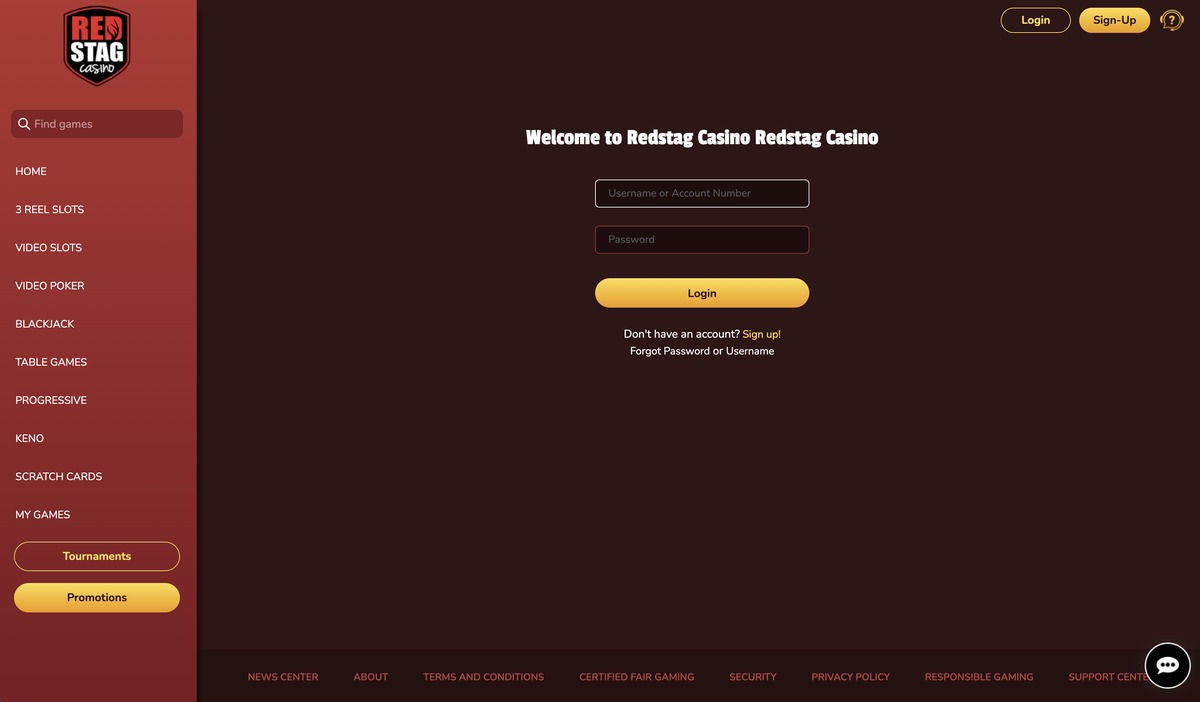
Live Red Stag lobby
Open redstagcasino.eu in any modern browser and click Login in the top-right of the lobby.
The form asks for the username or email used at signup, plus the password. Both fields are case-sensitive — the most common reason legitimate credentials get rejected.
On mobile, the same URL serves a responsive web app rather than a downloadable native app. The lobby, cashier, tournaments page, and game library all adapt to phone viewports.
Browser autofill works on Red Stag’s login form. A stored password that no longer matches the current account is a frequent silent failure — clear the saved entry and type manually before assuming the account is locked.
Several mirror domains route to the same brand: redstag.life, redstagcasino.si, and affiliate-built pages like us-redstagcasino.com. Sign in only at redstagcasino.eu; the mirrors are SEO landing pages, not the canonical access point.
Forgot password — reset and account recovery
The login form carries a Forgot Password link below the password field. Clicking it sends a reset email containing a one-time link that opens the /update-password page.
Reset emails usually arrive within a minute or two. When they do not, check the spam folder and verify the email address on file — a signup typo is the most common reason recovery emails appear to vanish.
If the email never arrives, 24/7 Live Chat on redstagcasino.eu escalates to an agent who can trigger a manual reset after verifying ownership.
Email fallback is support@redstagcasino.com — same team, slower turnaround. Attach a photo ID up front so the agent can verify identity in a single round-trip.
One disambiguation: Red Stag does not offer standing two-factor authentication via authenticator apps. The SMS codes that sometimes appear at login are event-triggered checks, not a TOTP system to set up in advance.
Account verification and KYC timing
Red Stag does not ask for identity documents at signup. The verification request arrives later — usually at the first withdrawal.
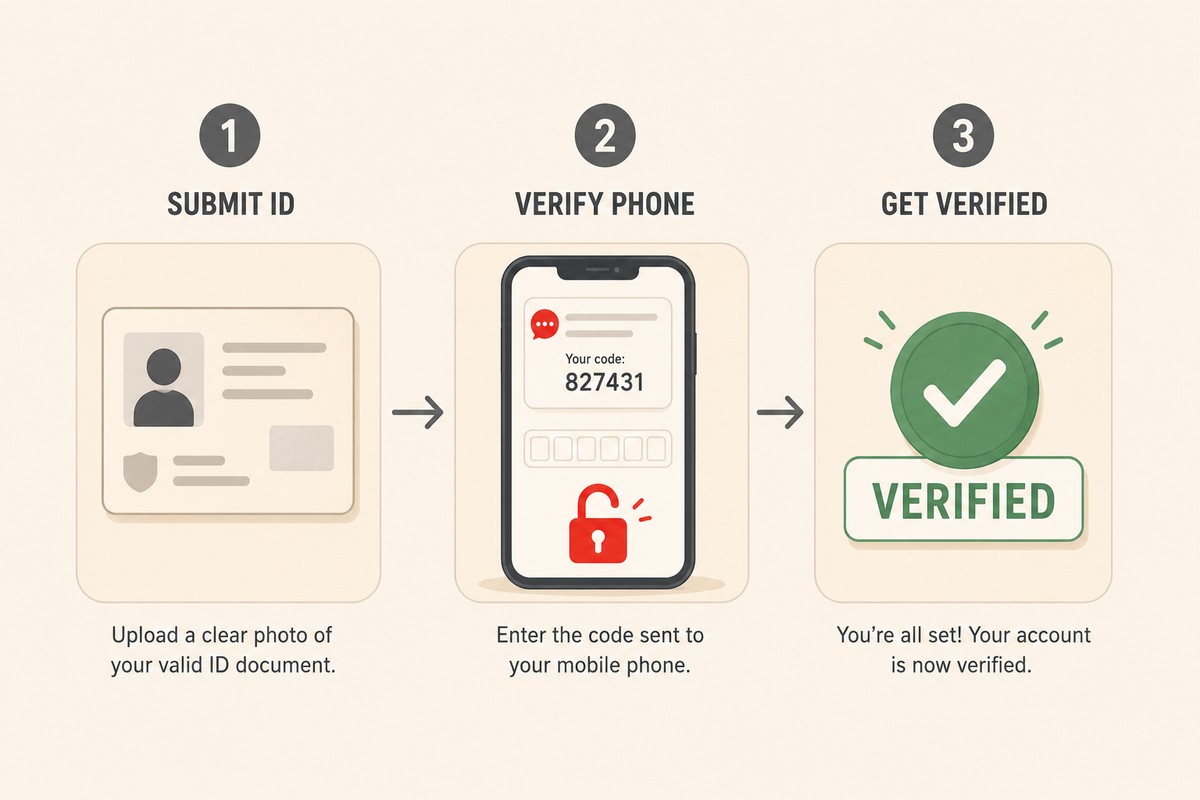
SMS confirms it’s you
That timing catches first-time payers off-guard when an initial cashout sits pending while support waits for paperwork.
The standard packet is a current photo ID, a selfie holding the same ID, a recent utility bill or bank statement showing the signup name and address, and proof of the payment method used. Clean submissions clear within 24-48 hours.
KYC failures usually trace back to small mismatches: surname differs, the utility bill is older than three months, or the passport photo crops out the machine-readable strip. A sharper resubmission fixes most cases.
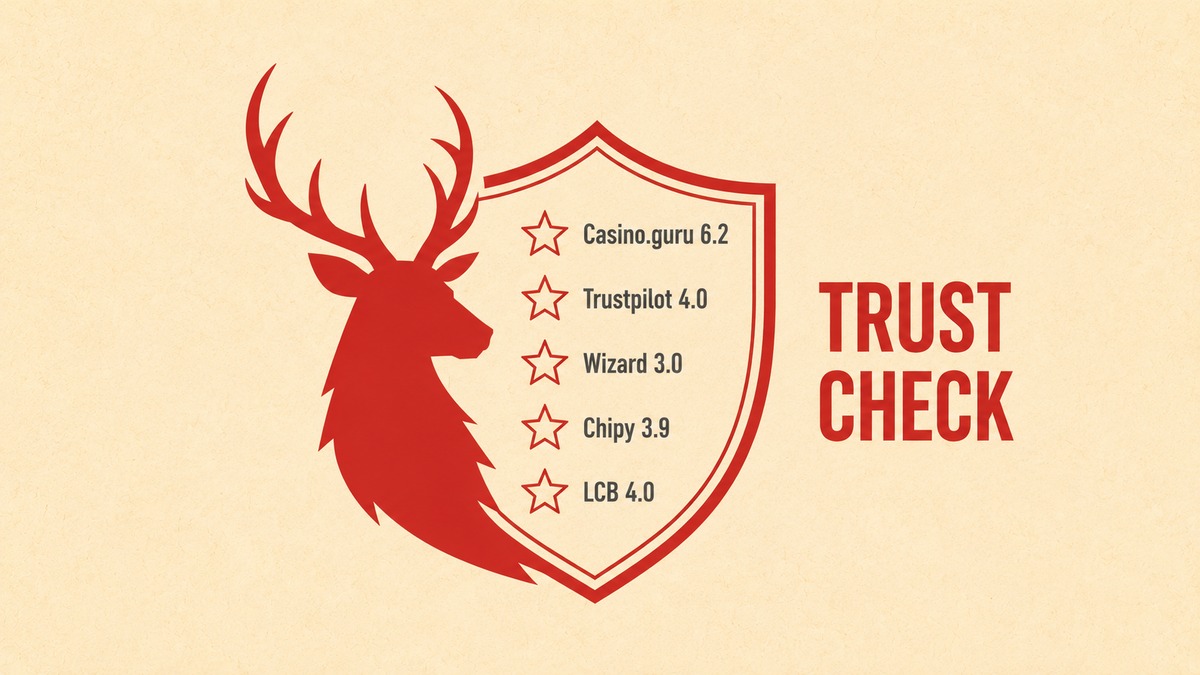
Red Stag operates under a Curaçao licence — the verification standard reflects Red Stag’s licensing and banking depth in our review alongside the Curaçao Gaming Authority framework. For Casino.guru 6.2 Safety Index synthesis with Casinomeister dispute case enumeration, see our Red Stag trust guide. For a multi-jurisdiction Kahnawake+Curaçao+Estonia comparison with named VIP-manager recovery, see National Casino login walkthrough for SoftSwiss.
Mobile access — browser by design
Red Stag’s stated position is unambiguous: “No app, no hassle.” There is no native iOS app on the App Store and no Android APK distributed by the casino.
The practical workaround for an app-like icon is Add to Home Screen. On iOS Safari, tap Share, then Add to Home Screen. On Android Chrome, the three-dot menu offers the same option.
The result is a square Red Stag icon that opens the lobby in a browser session — the PWA-style shortcut most players actually want, with no app store install.
The mobile cashier supports the same rails as desktop. Bitcoin, BCH, Litecoin, Ethereum, and Bitcoin Lightning all complete from a phone — useful for players who hold crypto in mobile wallets. See Bitcoin deposits at offshore casinos for the wider picture.
Anyone arriving via a third-party “Red Stag app” listing should treat it as a red flag — official access never requires an app store install. For broader mobile gameplay context beyond login — Add to Home Screen install steps and the Mr Beast Casino app confusion explained — see our Red Stag mobile-app guide.
Dormancy rules and common login errors
Two clauses catch players returning from a long break. Twelve consecutive months without a login flags the account as dormant; remaining balance is voided per the terms.
A separate sixty-day rule wipes funds from accounts that have never made a real-money deposit, even if a free bonus is sitting in the balance.
The fix is simple before the fact, impossible after: log in at least once every few months. A bare login is enough to reset the dormancy clock.
The most common error string — “incorrect username/password” — is misleading more often than accurate. Caps lock, stale autofill, and case-sensitive usernames cause the same message.
Typing the password manually into a fresh browser tab catches most of these silently. Credentials that still fail usually point to an account flag (verification pending, geo-restriction, duplicate-account check) rather than a credential issue.
Live Chat can see the actual reason on their side. For players still building out the account, our Red Stag bonus codes guide covers the welcome ladder that runs alongside the first few logins, and the no deposit code rotation guide highlights low-risk reasons to log back in.